Hedy's Google Calendar Integration: Right-Time Reminders and Smarter Meeting Notes
Connect Google Calendar to Hedy with read-only access. Hedy reminds you to start a session as each meeting begins and uses the event details to sharpen its notes.
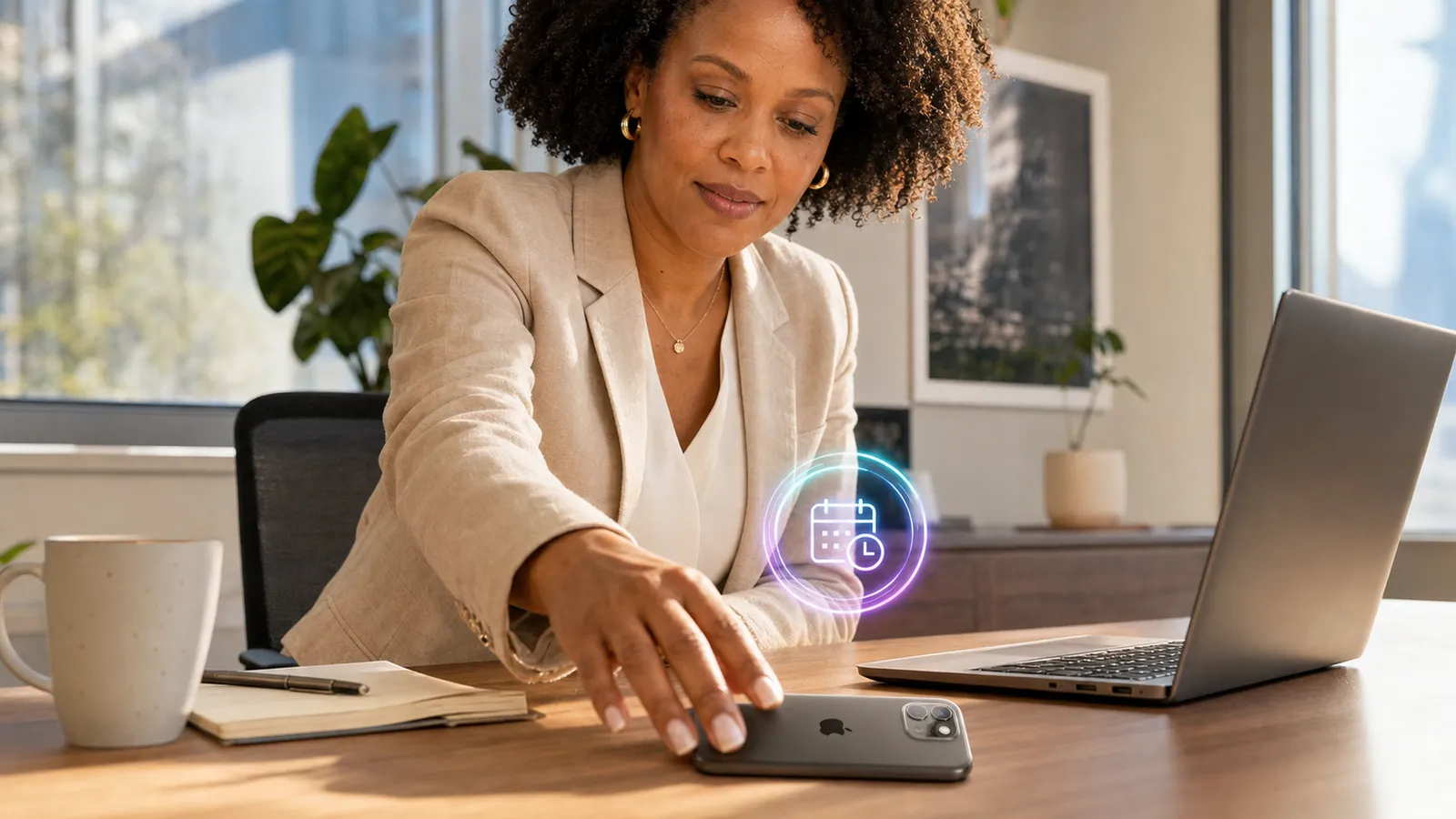
Connecting your Google Calendar gives Hedy two things at once: the right moment and the right context. The right moment is a nudge to start a session as each meeting begins, so you never realize halfway through that you forgot to capture it. The right context is everything Hedy already knows about the meeting from your calendar, which it uses to write sharper notes and offer more relevant suggestions. The connection is read-only, and you turn each part on yourself.
How does Hedy remind you to start a session on time?
About a minute before a scheduled meeting begins, Hedy shows a notification that asks “Want Hedy in this meeting?” Tap it and Hedy opens straight into a one-tap prompt: Start session begins capturing immediately, or Not now dismisses it.
On iPhone and Android, these reminders are scheduled by Hedy’s servers, so they arrive even when the app is fully closed or your phone has restarted. The reminder setting is called Auto-detect scheduled meetings, and it lives on each device separately. Turn it off on your tablet, keep it on your phone, and your calendar stays connected either way.
Hedy never starts a session on its own. The reminder is an offer, not an action. Capturing only begins when you tap Start. For the full reminder walkthrough, see Calendar Meeting Reminders.
How does your calendar make Hedy’s notes sharper?
When a meeting is attached to a session, Hedy reads a snapshot of the event and uses it as context. That context informs the summary, the detailed notes, and the suggestions Hedy offers live during the conversation. Because Hedy already knows the agenda and who is in the room, it doesn’t have to work out the basics first, and its attention goes to what matters in the conversation.
Here’s what Hedy reads, and how it uses each field:
| What Hedy reads | How it’s used |
|---|---|
| Title | Frames what the meeting is about |
| Time and duration | Anchors the session to the right event, one-off or recurring |
| Location or video link | Notes whether it’s in person or on Google Meet, Zoom, and similar |
| Attendees | Helps spell names correctly in the transcript |
| Agenda (event description) | Grounds notes and suggestions in the planned topics |
You stay in control. On the start screen, a Calendar context chip shows the matching event and lets you include or exclude it for that session. The Share meeting details with Hedy setting governs this globally.
Which devices does the Google Calendar integration work on?
You can connect Google Calendar and use calendar context on iPhone, Android, Mac, and Windows. The one difference is reminders when the app is closed:
| Platform | Connect and calendar context | Reminders when the app is closed |
|---|---|---|
| iPhone, Android | Yes | Yes, scheduled by Hedy’s servers |
| Mac, Windows | Yes | The app needs to be open |
On the desktop, Hedy shows the same prompt as an in-app or overlay notification while it’s running. The “fires even when the app is closed” part of the story is specific to your phone, where a background push can reach you.
Is Hedy’s Google Calendar connection private?
Yes, and it’s read-only by design. Hedy requests a single read-only calendar permission. It can read your events; it cannot change your calendar in any way. It connects one Google account and reads your primary calendar, and your access token is encrypted where it’s stored.
EU data residency carries through here too. If your account stores data in the EU region, the reminder keeps the meeting name out of the notification and reads “Meeting starting” instead, so the title never leaves regional storage. Accounts in other regions see the meeting name in the reminder. This sits on top of Hedy’s broader EU data residency and on-device speech recognition.
Disconnecting is clean. From Settings, disconnecting stops pending reminders and clears the calendar data Hedy held.
How do you connect Google Calendar to Hedy?
- Open Settings and go to the Automation & Data tab.
- In the Google Calendar section, tap Connect Google Calendar and sign in. Once connected, Hedy shows Connected as your email.
- Turn on Auto-detect scheduled meetings to get reminders on that device.
- Turn on Share meeting details with Hedy to let Hedy use the event’s title, attendees, and agenda in its notes and suggestions.
Both toggles are optional and independent. You can take the reminders without the context, or the context without the reminders.
Frequently asked questions
Does Hedy change anything on my Google Calendar?
No. The connection is read-only. Hedy can read your events to schedule reminders and add context to a session, but it cannot create, edit, move, or delete anything on your calendar, and it never sends invites.
Does Hedy start capturing a meeting on its own?
No. Hedy never starts a session automatically. A reminder shows a one-tap prompt, and capturing only begins when you tap Start session. If you ignore the reminder, nothing happens.
Will I get a reminder if the Hedy app is closed?
On iPhone and Android, yes. Reminders are scheduled by Hedy’s servers and delivered as push notifications, so they arrive even when the app is fully closed or your phone has restarted. On Mac and Windows, the app needs to be open to show the prompt.
Which calendar does Hedy read?
Hedy connects one Google account and reads your primary calendar. There is no calendar picker or multi-account support today.
What does Hedy do with attendee names from my calendar?
Attendee names are used as spelling and identity hints, so Hedy gets names right in your transcript and notes. They are treated as references only, never as proof of who attended or who spoke. Attendee email addresses are not stored.
How do I disconnect Google Calendar?
Open Settings, go to Automation & Data, and disconnect under Google Calendar. This stops pending reminders and clears the calendar data Hedy held. You can reconnect at any time.
The bottom line
The Google Calendar integration removes two small frictions that add up: remembering to capture the meeting, and giving Hedy enough context to be useful from the first minute. One read-only connection handles both, and you decide how much of it to switch on.
Connect it in Settings → Automation & Data → Google Calendar, then turn on the parts you want.
About the author
Julian Pscheid is the founder and CEO of Hedy AI, a real-time AI meeting coach used by tens of thousands of professionals worldwide. He writes about how AI is changing the way people prepare for, capture, and understand important conversations.